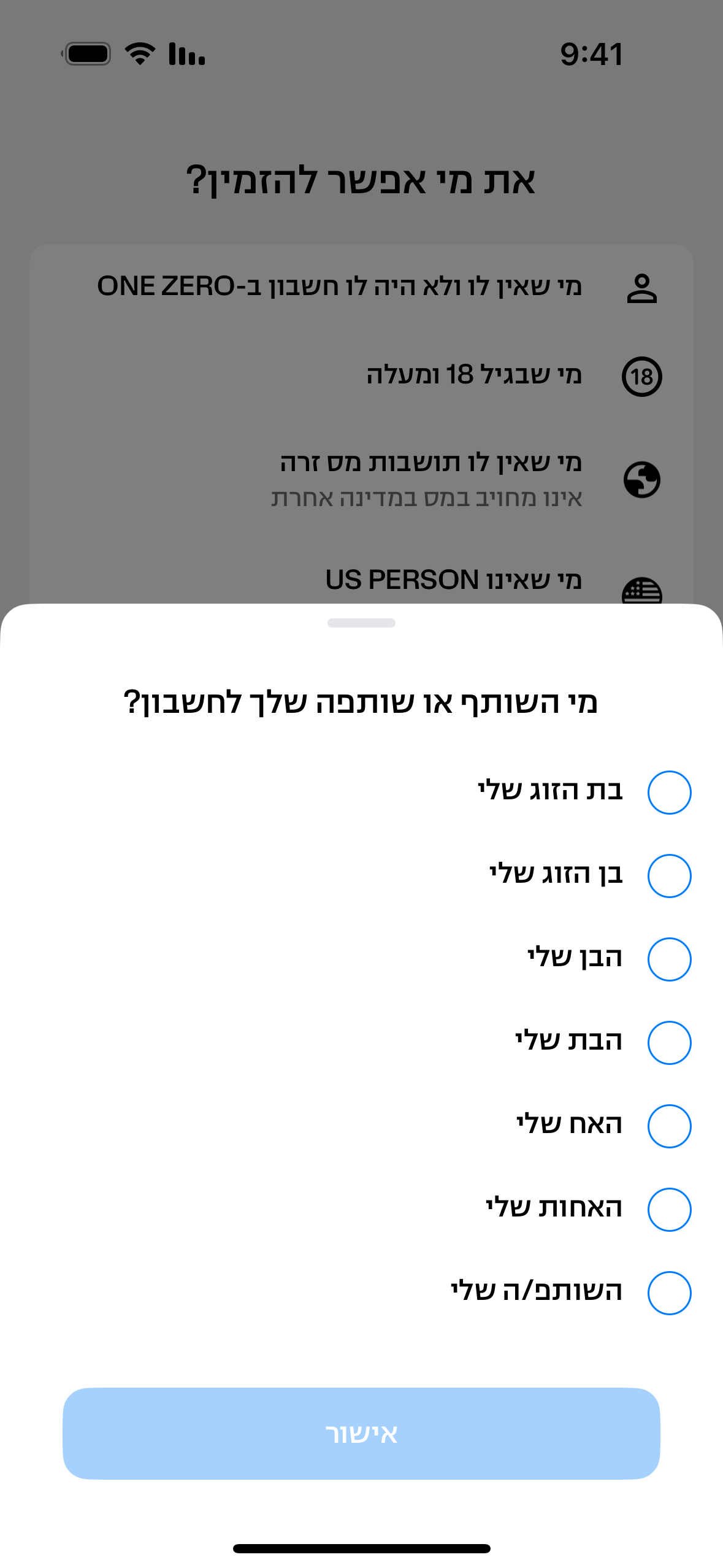
The Add Partner flow now branches based on whether the inviter has any Securities or Savings activity in the current tax year. Users with no qualifying activity (CanAddAnyPartner = true) can add any of 7 partner types — not just a married spouse — and the ID Slip upload step is skipped. The existing married-only flow remains unchanged for users with tax-year activity.
- CanAddAnyPartner = true: ID Slip skipped, all 7 partner options shown in bottom sheet, updated screen copy (removes "בן זוג נשוי בספח")
- CanAddAnyPartner = false: Married-only path unchanged, ID Slip remains mandatory
- New ID-expired state: front + back only (no slip) for eligible users
- Firebase analytics: add_partner_flow event with type = any_partner or married_only
- PRD edge cases (same-day buy+sell / open+close) treated as false
| Platform | IOS + ANDROID |
| Type | FEATURE |
| Status | ✅ Tested & Verified |
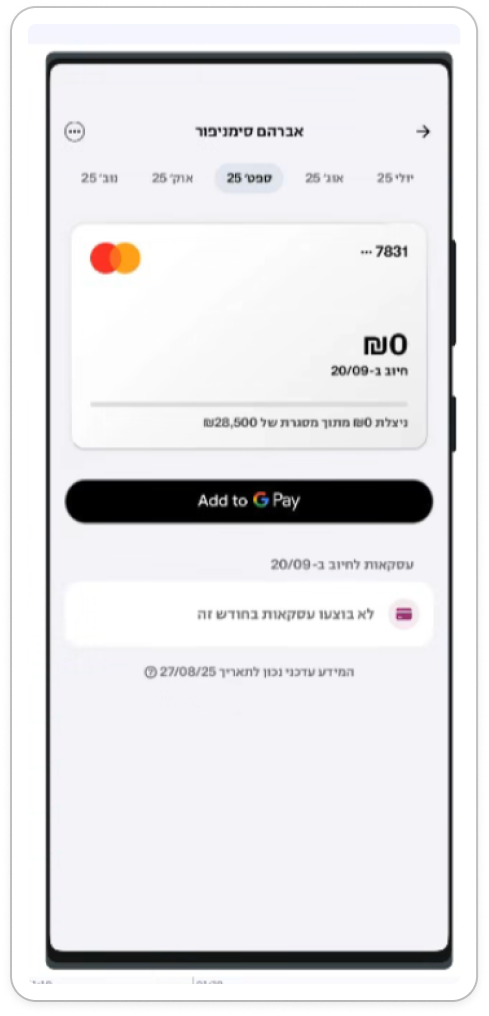
The "Connect to Digital Wallet" action in the Activation Engine previously routed users to the card lobby, requiring extra steps to reach the wallet connection option. Now it navigates directly to the relevant active card details page, reducing friction.
- Active credit card + active debit card → navigates directly to the credit card details page
- Joint accounts → navigates to the active customer's card details page
- No active cards → falls back to the card lobby
- Known open bug: OZ-101137 — tapping "חיבור כרטיס" leads to the screen but with no nav bar
| Platform | IOS |
| Type | FEATURE |
| Status | ✅ Tested & Verified |
During onboarding, users scanning an expired ID were getting stuck on the "Name in English" screen with no error shown. This fix adds a dedicated error message for the Expired ID scenario, distinct from the existing Inactive ID error, so users get clear feedback and aren't left in a limbo state.
- New dedicated error message for Expired ID during onboarding ID scan
- Existing Inactive ID error message unchanged
- Prevents users from being stuck silently on the Name in English screen
- Backend error code for Expired ID required from Dragons team
| Platform | IOS + ANDROID |
| Type | FEATURE |
| Status | ✅ Tested & Verified |
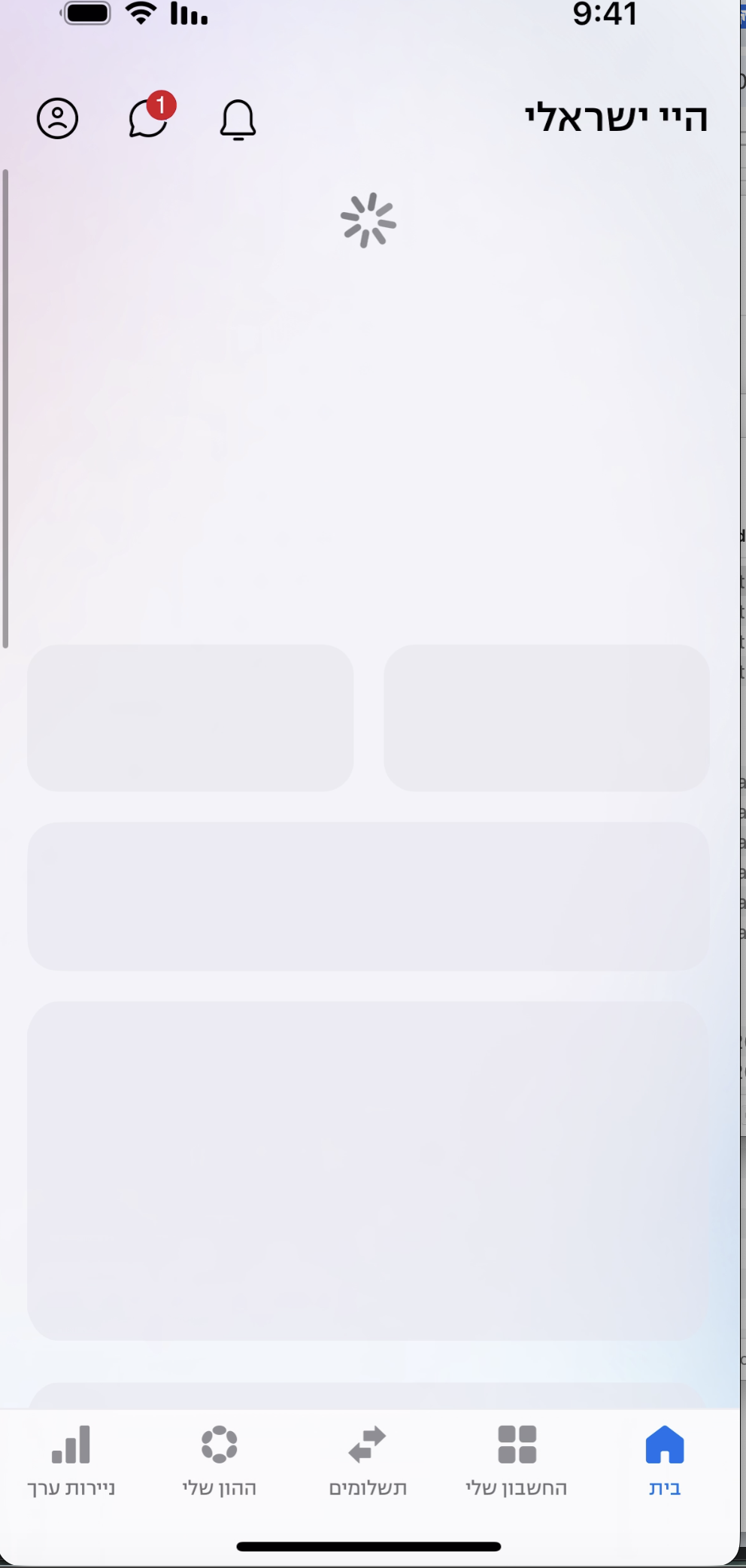
The Activation Engine widget on the Dashboard previously showed no loading state during Pull to Refresh, appearing static while other components showed refresh progress. This adds a proper loading state to the widget, displayed immediately when refresh starts and removed once data is fully loaded.
- Loading state shown on Pull to Refresh — starts immediately, clears on completion or failure
- Widget updates correctly with refreshed data after loading
- Consistent UX with other dashboard components during refresh
| Platform | IOS + ANDROID |
| Type | FEATURE |
| Status | ✅ Tested & Verified |
Definition of Done
All features listed above have been tested and verified by the QA team.